By ContractorSiteUSA Team · Practical guidance for U.S. home-service businesses.
Quick answer: Ask for enough information to respond and decide whether the job fits: a name, a usable contact method, service needed, job location and a short description. Make additional questions optional unless your team truly needs them before the first conversation. Explain what happens after submission.
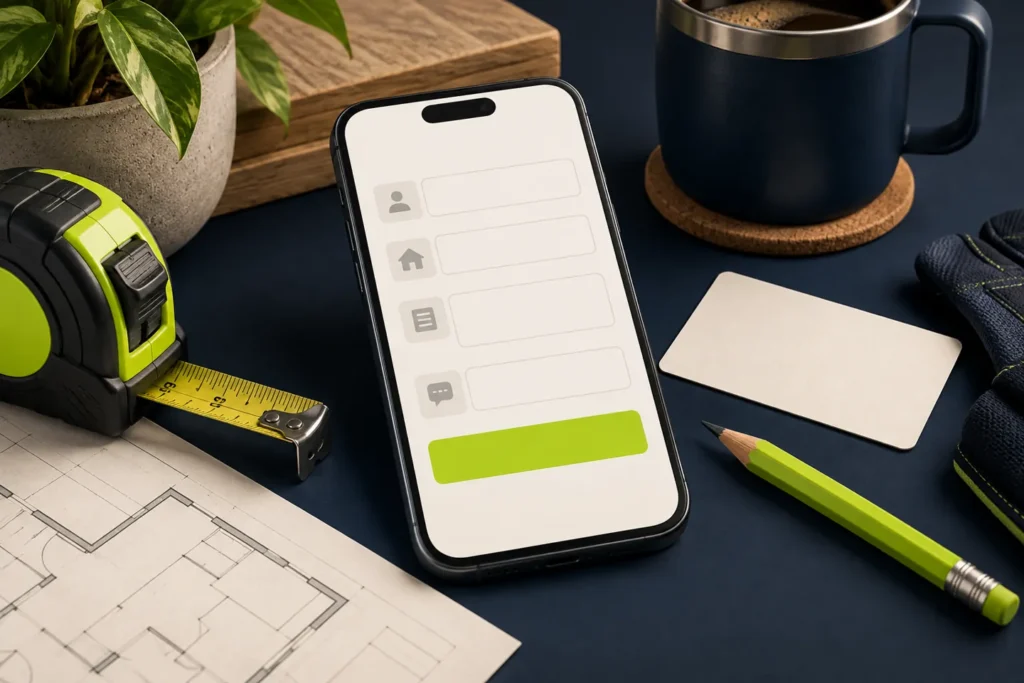
An estimate form is the start of a conversation, not a replacement for a site visit or full scope of work. A useful form helps your office route a request without making homeowners solve the entire project on a small phone screen.
Start with fields your team actually uses
| Field | Why ask? | Practical choice |
|---|---|---|
| Name | Know who to contact | One clear name field |
| Phone or email | Provide a response route | Require a usable method; explain any need for both |
| Service needed | Route the inquiry | Short list matching your actual services |
| City or ZIP code | Check coverage | Request a full address later if unnecessary initially |
| Project description | Understand the request | Brief prompt with a simple example |
There is no universal ideal number of fields. A remodeling consultation may require more qualification than a garage door repair callback. Choose fields based on the handoff your business can support, then review the quality of the resulting requests.
Make budget, timing and uploads earn their place
A budget range can help qualify a substantial remodel, but someone with an urgent repair may have no realistic estimate. Include “Not sure yet” when that is a valid answer. Do not force a false budget just to allow submission.
Use an optional timing question when it helps scheduling. Photo uploads can clarify a request, but they should not block a homeowner who does not have an image ready. If uploads are enabled, state supported formats and limits, validate files securely and keep customer uploads out of publicly accessible galleries.
Write instructions a homeowner can follow
Use visible labels, identify required fields and make errors specific. “Enter a phone number we can call” is more useful than “Invalid value.” Do not rely only on placeholder text, which disappears as someone types.
W3C’s form guidance explains why labels and instructions matter for accessibility. Test keyboard navigation and screen-reader labels as well as the visual layout. A field that looks clear can still be difficult to use with assistive technology.
Example wording for a planned project
Suggested form introduction: “Tell us what you want to improve and where the property is located. We will review the request and contact you to discuss the next step.”
Description prompt: “Briefly describe the work, for example: replace a two-car garage door, or plan a bathroom remodel.”
Adapt these examples to the real service. Publish a callback timeframe only if the team can meet it. Do not suggest that submitting the form confirms an appointment, locks in a price or signs a contract when it does none of those things.
Keep urgent work separate from routine estimates
If the business accepts urgent calls, explain the appropriate phone route and actual operating hours. Do not label a normal inbox “24/7 emergency response” merely because the form is always available. For a garage door company, an installation inquiry and a same-day repair request may need different handling.
Test the complete handoff
- Submit a clearly labeled test from a phone, with the office aware of it.
- Confirm missing required information produces helpful errors.
- Check the success message and any confirmation email.
- Verify that the request reaches the correct inbox or customer-management system.
- Confirm that the person receiving it can identify the requested service and respond.
Protect the form against spam without making it difficult for legitimate customers. Avoid sending sensitive form contents into analytics. Track successful requests separately from button clicks, and review qualified inquiries alongside raw submission totals.
We plan contact flows around the trade and the office behind it. See our garage door website service or general contractor website service, then tell us what your estimate process needs. Start a project →
Sources
W3C: labeling form controls; W3C: labels and instructions. Field priorities are practical recommendations to adapt to your workflow.